
A guided tour of the app from login to download. Six screens, in
the order you'd see them. No accounts, no menus, no learning curve
— you upload a .docx, you get back a journal-formatted
manuscript and a structured report.
Your PIN is the only thing that gates access. No account to create, no password to forget, no profile to fill in. PINs are delivered by email within minutes of purchase and remain valid for 365 days from your most recent top-up.
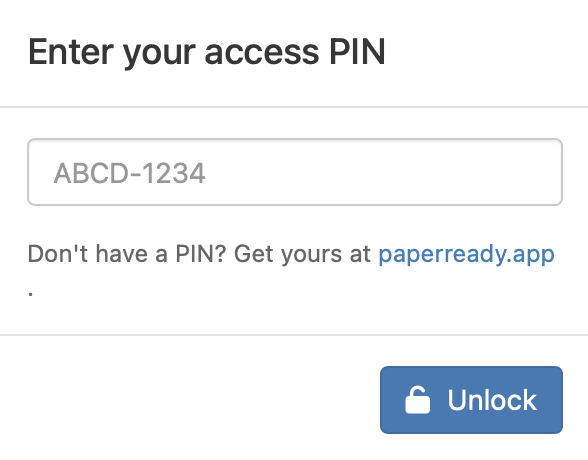
The unlock screen. Don't have a PIN yet? Get one at paperready.app.
After unlocking you land here. The five-step instruction panel at
the top tells you exactly what to do next; the Upload & Confirm
box on the left is where you pick your .docx and the
target journal. Everything else on the page reacts to what you do
there. There is no menu to learn.
The green banner at the very top is your at-a-glance account status: how many of your three runs remain and the exact date your PIN expires (365 days from purchase or your most recent top-up). You'll see it every time you log in, so you never have to remember on your own.
The Base Citation Style dropdown is pre-set to the style your chosen journal uses (APA 7, Vancouver, Chicago author-date, or Elsevier-Harvard). You can override it if you have a reason to, but you don't have to know which journal uses which style — that mapping is built in.
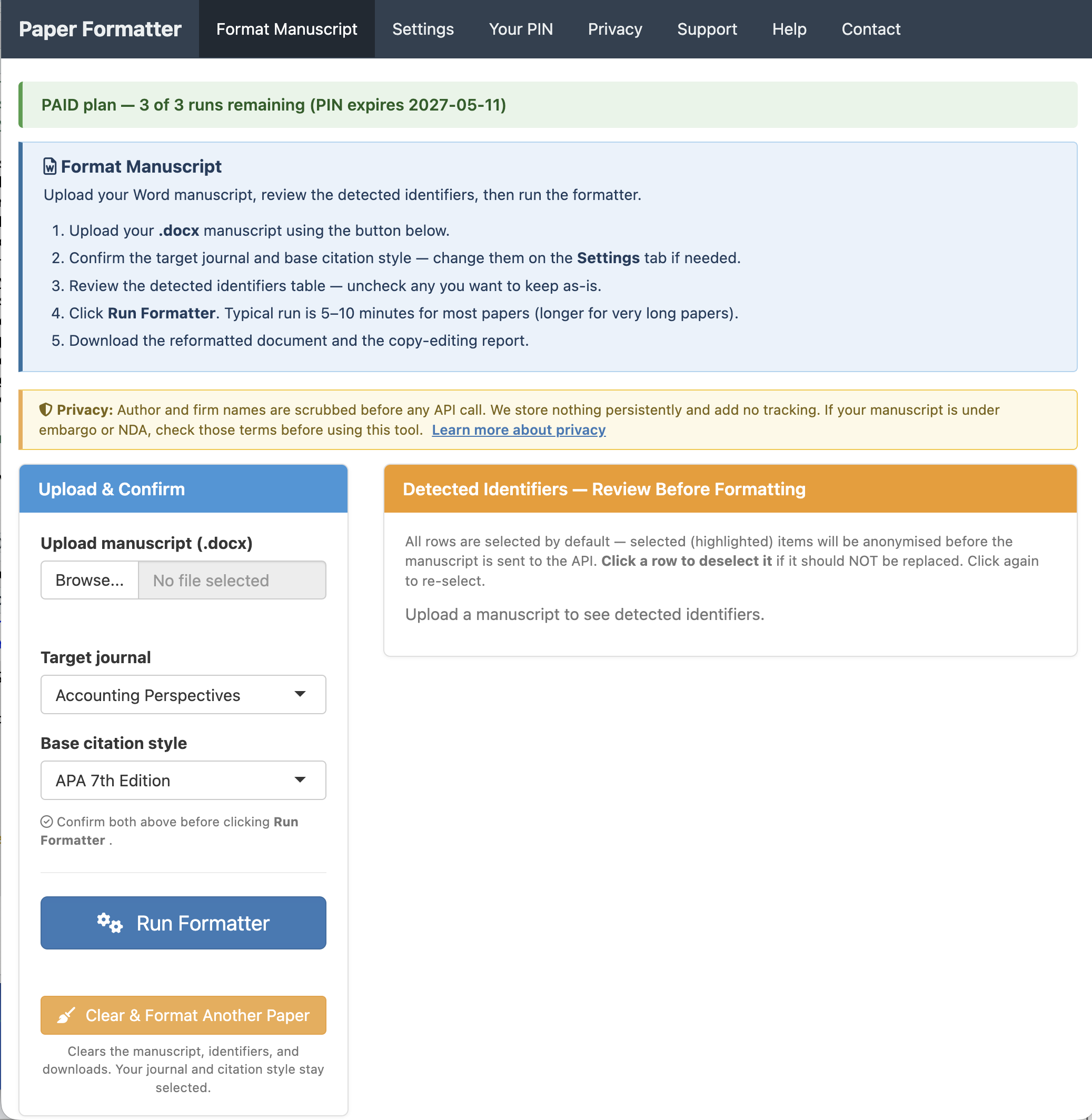
The green banner at the top shows your current PIN status — how many runs are remaining and when the PIN expires.
A typical accounting manuscript carries a lot of identifying information: your name, your co-authors, your institution, the partner firm whose data you analyzed, the agency that funded the work, the colleagues you thanked in the acknowledgements. The Formatter doesn't need any of that to format your paper — the journal style is the same regardless of who wrote it. So before anything is sent to the AI service, the app removes the identifying pieces and replaces them with opaque tokens; the originals are swapped back into the output after the AI returns it. This matters more for some papers than others — manuscripts under double-blind review, work covered by data-use agreements with partner firms, or research still under embargo — but the same review step runs on every upload so you can decide what to keep and what to scrub.
As soon as you upload, the app scans your manuscript locally and lists every identifier it found: author names, email addresses, ORCID IDs, affiliations, firm names, and acknowledgement lines. Each one is shown with its location in the document and the placeholder token it will be replaced with before the manuscript is sent to the AI service.
Click any row to deselect it if you'd rather leave that identifier in place (for example, a publicly cited firm name that's central to your study). Anything still highlighted gets scrubbed before the API call and restored afterwards.
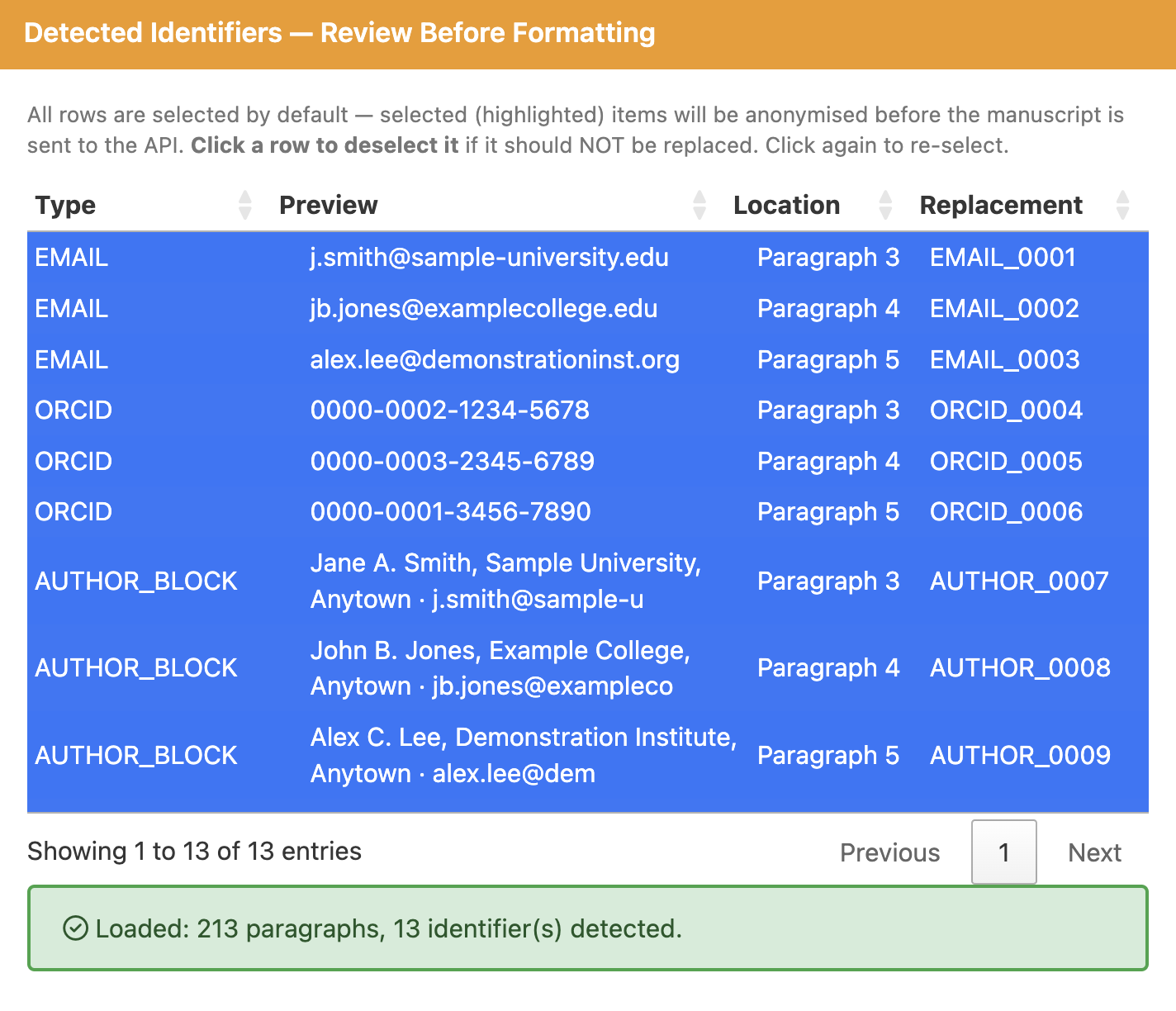
Author paragraphs are captured as whole units (name + affiliation + email together) and replaced with a single AUTHOR_xxxx token, then swapped back in the output. Nothing leaves your computer until you click Run Formatter.
A modal opens with a live status line and an elapsed-time counter. The app moves through reading the document, scrubbing identifiers, applying the journal's style guide, running deterministic audits (CrossRef DOI verification, numeric-consistency, spelling normalization), and assembling the report. Long manuscripts can run longer — that's normal.
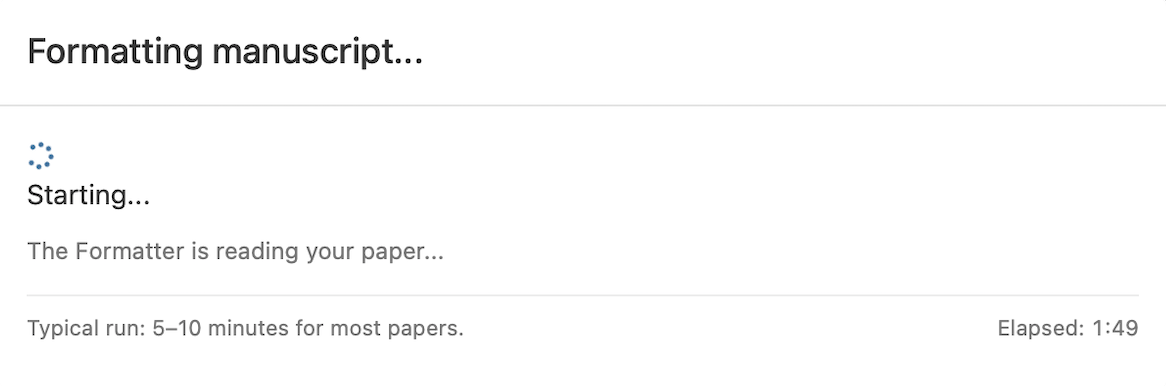
You can leave the tab open and come back. Just don't close it — the output exists only in the session.
When the run finishes, the panel on the left turns into a download row. You get four files per run:
.docx — your manuscript
in the target journal's style, with the title page intact..docx — the same
reformatted manuscript with the title page stripped, ready for
double-blind review.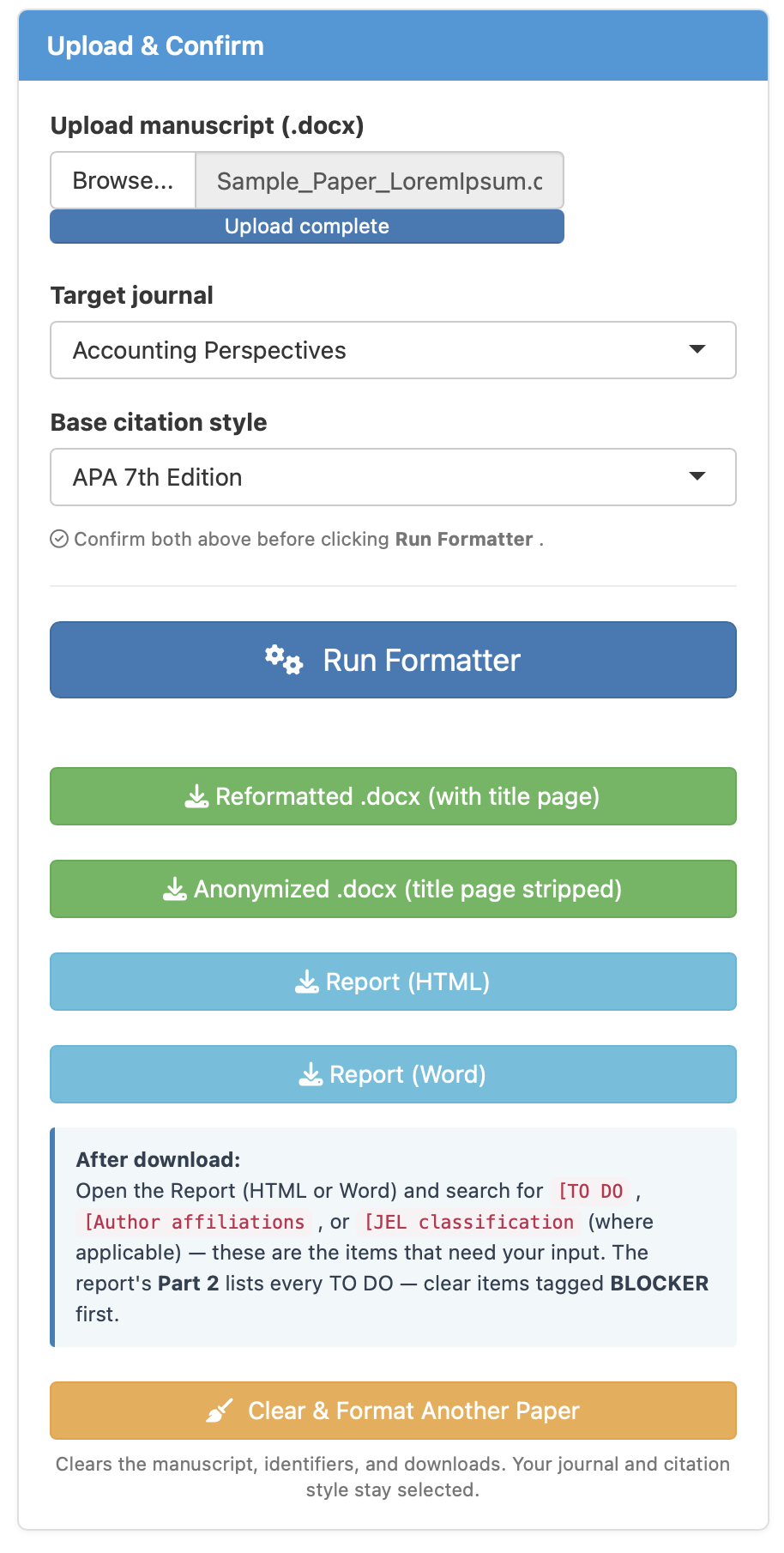
Download before you close the tab. Nothing is stored on the server — the files exist only for the current session. Closing the tab is how you delete your manuscript.
The report is the artifact most copy-editing services do poorly. Ours opens with an at-a-glance summary table — a one-screen readout of every pass that ran and what state each section is in (DONE, TO DO, or DONE-placeholder). You can see the bottom line in 30 seconds, then dig in.
Underneath the summary, the report splits into three parts:
Part 1 lists everything already applied to your
.docx, Part 2 lists everything still
needing your input (submission blockers tagged), and
Part 3 is informational context — style decisions,
deterministic audits, the spelling-normalization summary.
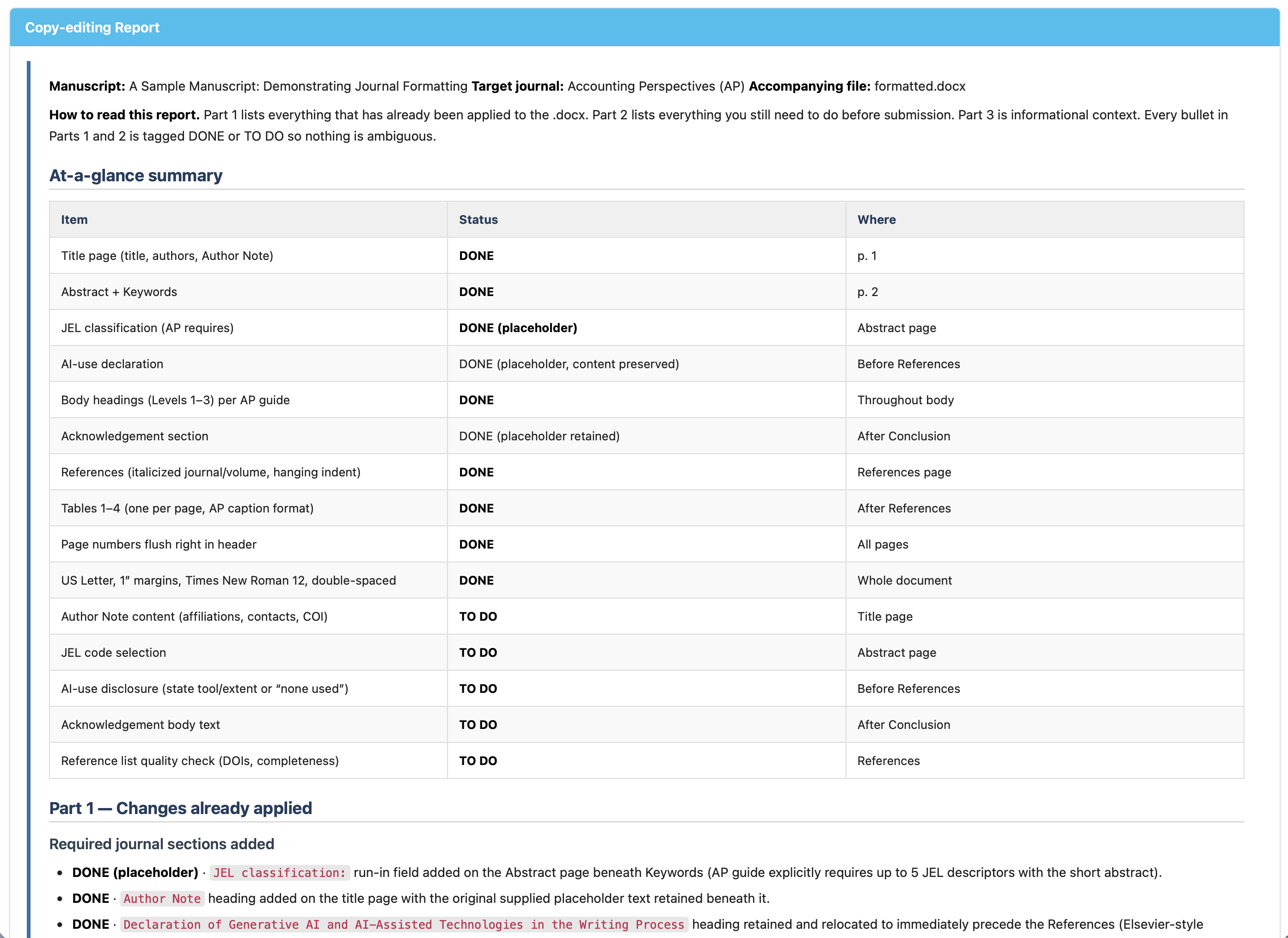
Every item is tagged DONE or TO DO; TO DOs that would block submission (missing required sections, citations without references, etc.) are flagged BLOCKER. Address them in your source and re-run — your second and third runs are for verifying you've cleared everything before submitting.
The same PIN includes a second tab. Where the Formatter polishes a finished manuscript, the Flow & Structure Review reads an earlier draft and flags where a journal reviewer would push back — argument arc, claim-evidence gaps, paragraph ordering, section transitions. You reuse the manuscript already loaded (or upload a draft), confirm the same identifier scrubbing, pick the target journal, and click Review Structure.
About a minute later you get 6–12 findings, each tagged STRUCTURAL
or STYLISTIC, ranked most-consequential first, and anchored to a specific
paragraph. Each gives an Issue and a Suggestion — but,
like the Formatter, it never rewrites your prose; it points, you revise.
Download the findings as a .docx with a soft AI-use
disclosure note. Your PIN includes 3 reviews, metered separately from
your 3 formatting runs.
One PIN, $99 USD — three full formatting runs and three structural reviews. PIN delivered to your email within minutes.